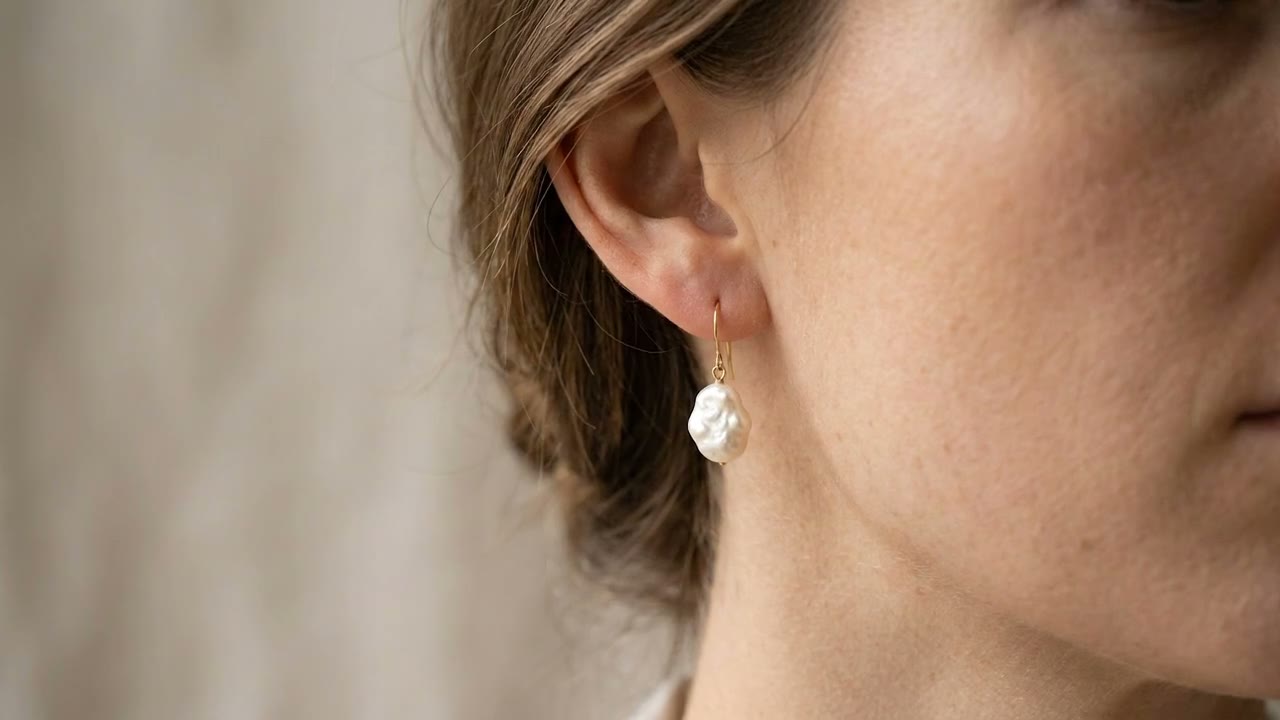
Pendant — On Model
The exact Veo 3 prompt behind this clip — copy it, study why it works, or have us make one like it for your product.
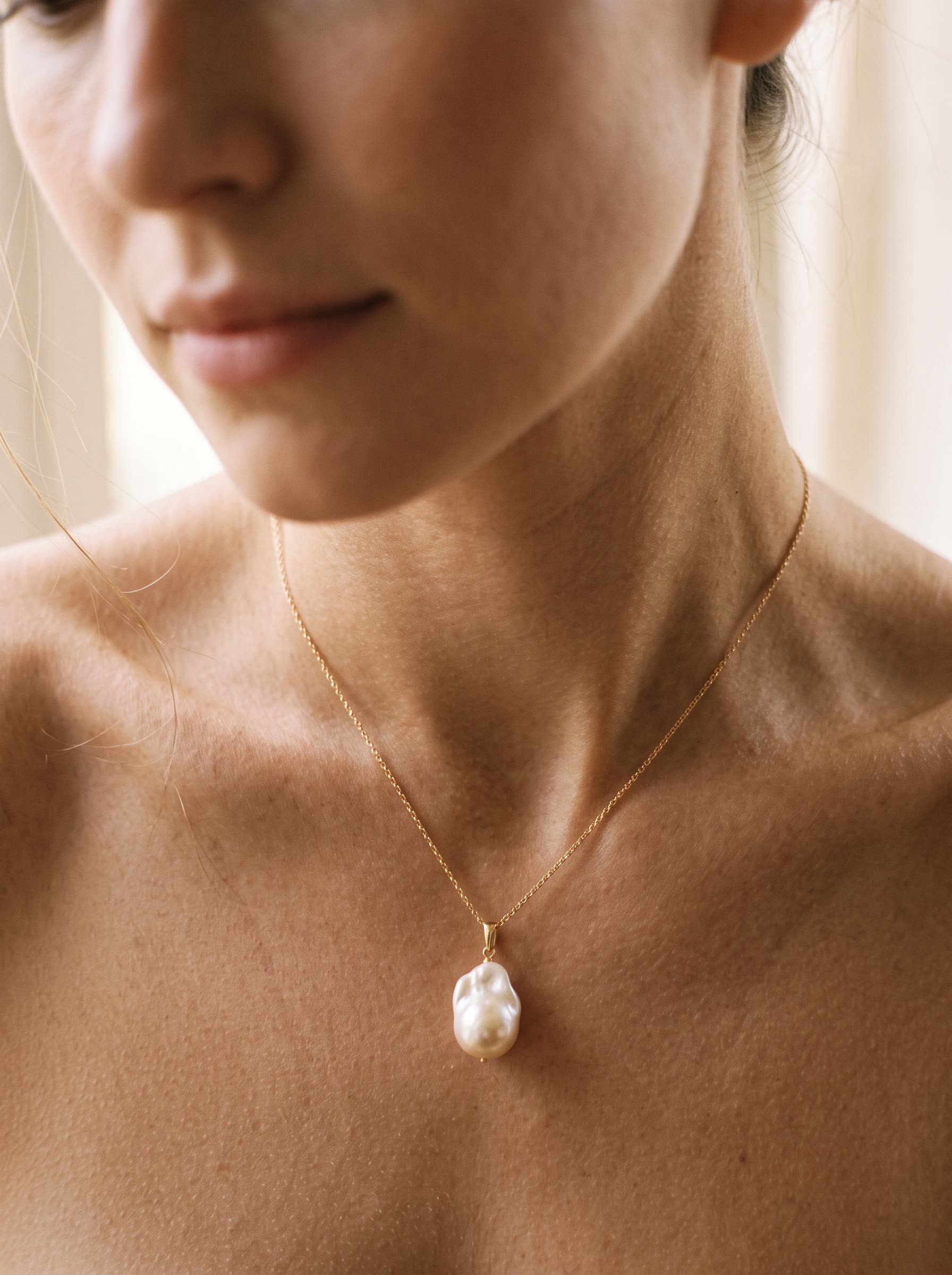
A pearl pendant necklace shown on a model, animated from a still photo to add lifelike motion — the pendant settling against the collarbone as she shifts, natural skin tones and soft light. On-model DTC product video, intimate and elegant.
Why this prompt works
This was generated on Google Veo 3. The prompt reads like a shot brief rather than a keyword list — it front-loads the subject, then layers in setting, motion, and lighting so the model has an unambiguous scene to render. Notice the explicit lighting and camera language. On Veo 3, naming the light source and mood ("warm glowing neon", "dramatic lighting") gives the diffusion model a strong prior and is one of the biggest levers on perceived quality. Character and anatomy prompts are the highest-risk category on every model. The specificity here — wardrobe, posture, framing — narrows the space the model has to hallucinate extra limbs or warped faces. The honest takeaway: prompt specificity is doing most of the work. There's no magic token — it's a clear subject, a defined camera and light setup, and one concrete action, which is exactly what Veo 3 needs to stay coherent.
Want videos like this for your product?